

How to Integrate 360° Product Views on Shopify, WooCommerce & Magento
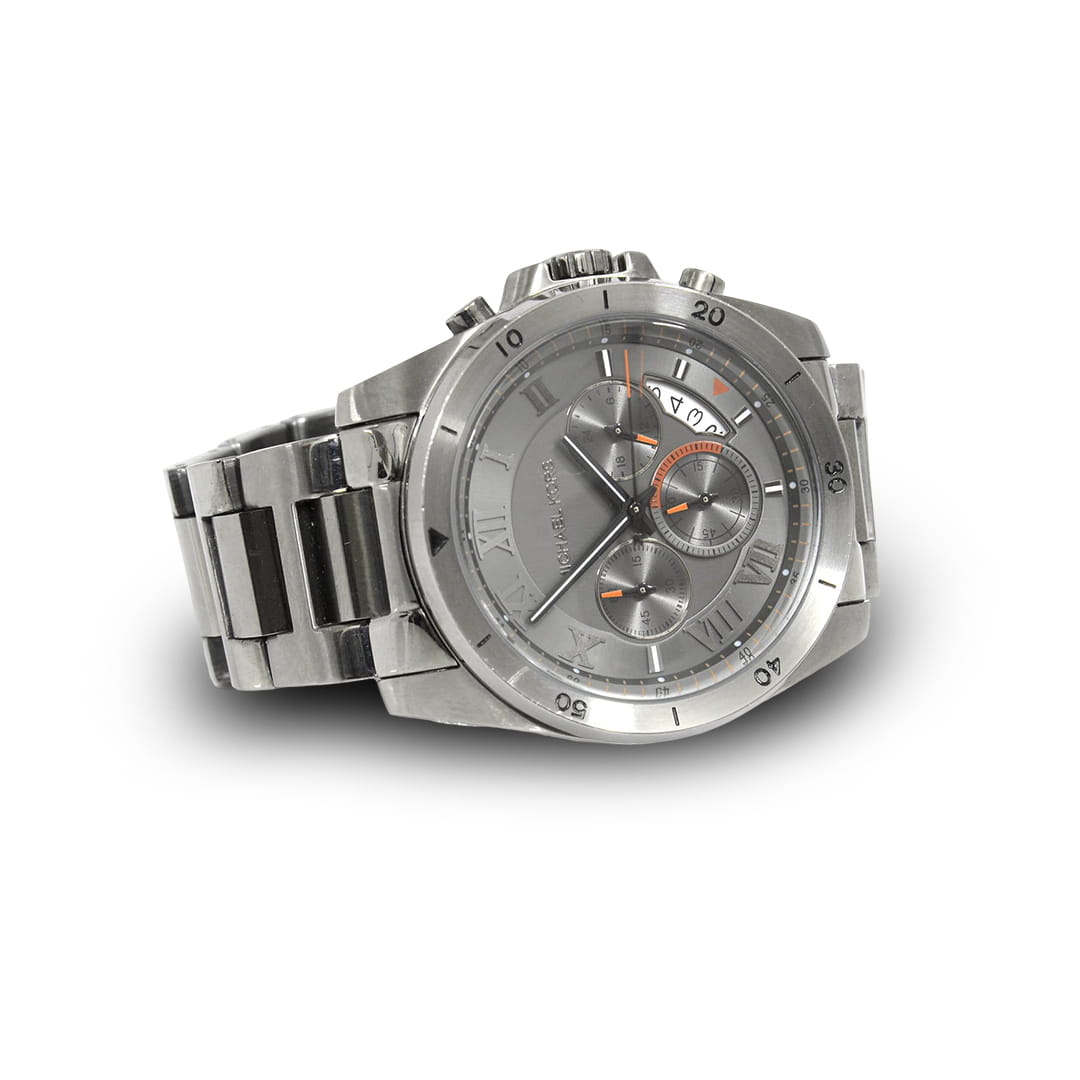
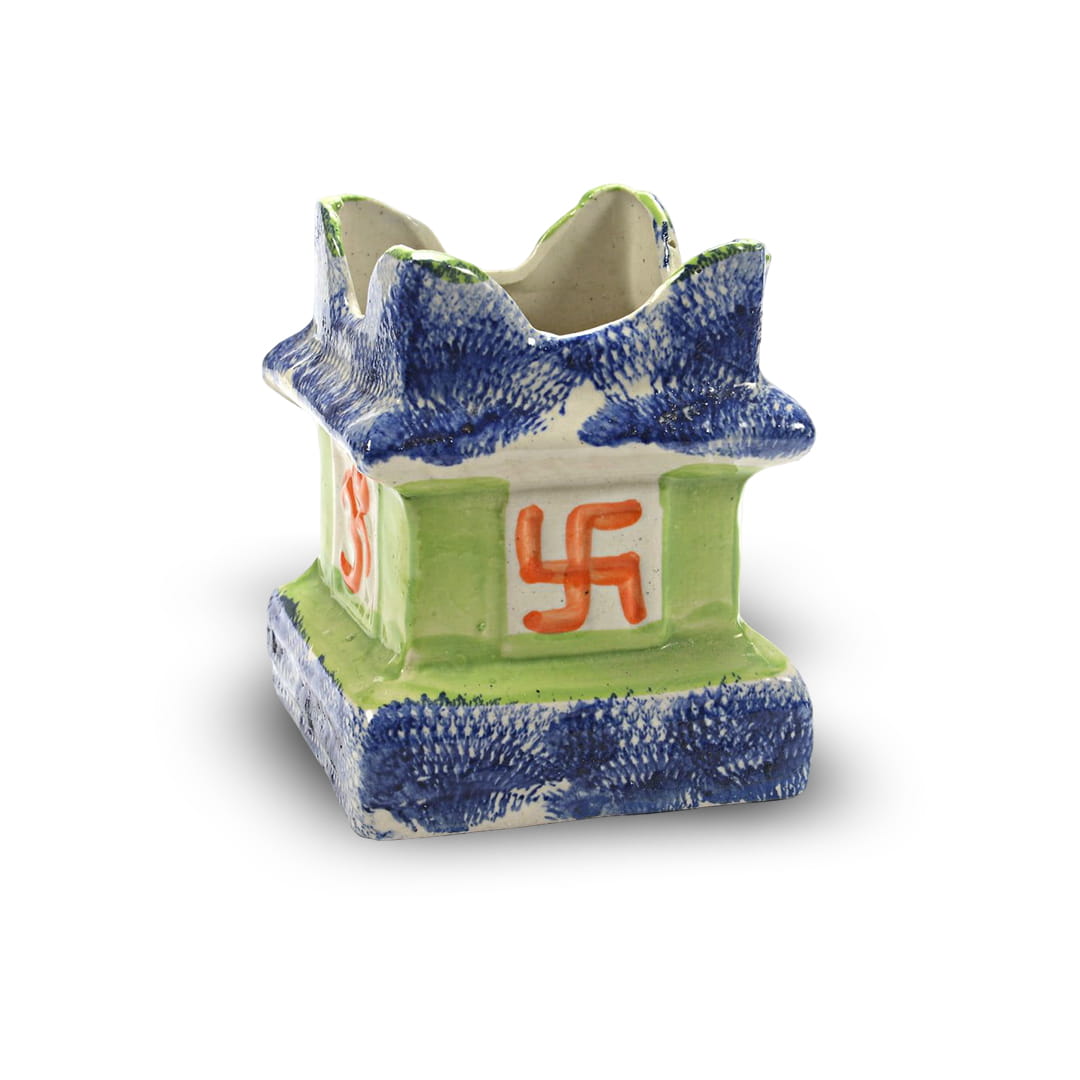
As online shoppers increasingly expect a more interactive and detailed view of products, 360° product spins have become a powerful tool to boost engagement and increase sales. If you're using Shopify, WooCommerce, or Magento, integrating 360° views is easier than you think-with the right tools and workflow.
Let’s walk through how to add 360° product views to each of these popular e-commerce platforms.
1. Shopify
Shopify is known for its simplicity and flexibility. To integrate 360° product spins:
Steps:
Choose a 360° Viewer App
Use apps like Magic 360, SpinStudio 360, or Sirv from the Shopify App Store.Upload Your Image Set
Typically, you'll need 18, 36, or more images of your product from all angles.Embed the Viewer
After uploading, the app provides embed code or integrates directly into your product page layout.Customize Display Settings
Control spin speed, zoom, autoplay, and responsiveness for mobile devices.
Bonus Tip:
Use high-quality but optimized images to maintain performance without slowing your site.
2. WooCommerce (WordPress)
For WooCommerce users, integration requires a plugin or custom code, depending on your technical comfort.
Steps:
Install a 360° Plugin
Popular plugins include Algori 360 Image, Woo360 Product Viewer, and Sirv.Upload Spin Images
Upload image sequences (named consistently) to the plugin or your media library.Insert into Product Page
Most plugins offer shortcode or Gutenberg block support to insert spins directly into product descriptions or image galleries.Adjust Spin Settings
Control user interactions such as mouse drag, zoom, and auto-rotation.
Developer Tip:
If you're customizing the theme, you can embed a JavaScript-based viewer like PhotoSphere or ThreeSixty directly.
3. Magento
Magento offers flexibility for advanced users and enterprise-level e-commerce.
Steps:
Use an Extension
Install extensions like Magic 360, Webrotate 360, or FME 360° Product Viewer.Upload and Configure
Upload the image set via FTP or admin panel as per the extension’s documentation.Integrate with Product Pages
Configure each product to load the correct image set and enable the viewer on the frontend.Fine-tune Settings
Customize the spin, zoom, and mobile behavior to ensure smooth performance across devices.
Pro Tip:
Ensure your hosting and CDN can handle higher bandwidth for better image performance and fast loading.
Conclusion
Whether you're using Shopify, WooCommerce, or Magento, integrating 360° product views is a smart way to elevate your online store. These interactive spins boost customer confidence, reduce returns, and make your store stand out in a crowded marketplace.
Need help setting up 360° product spins for your e-commerce store?
Let’s create an interactive shopping experience tailored to your platform and audience.