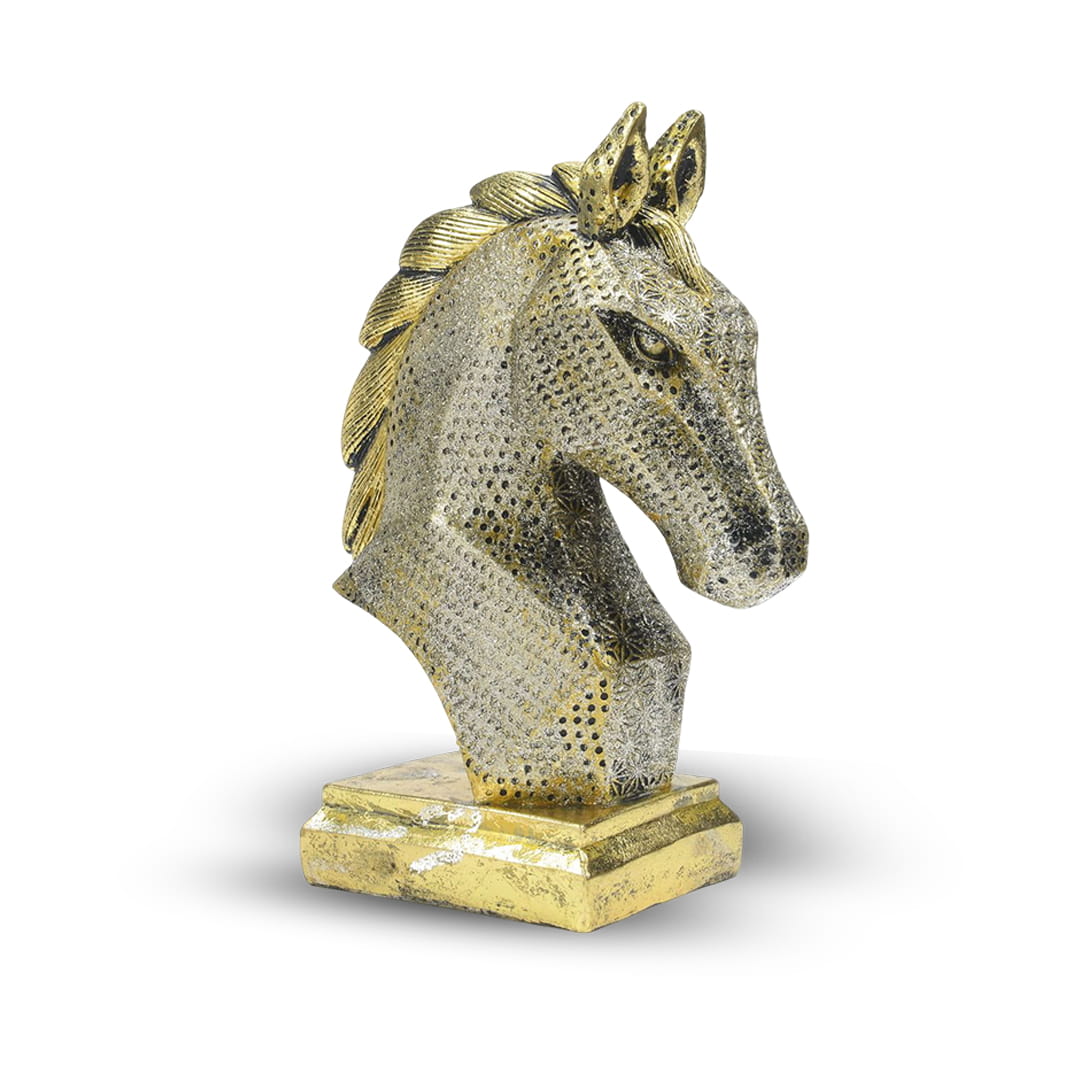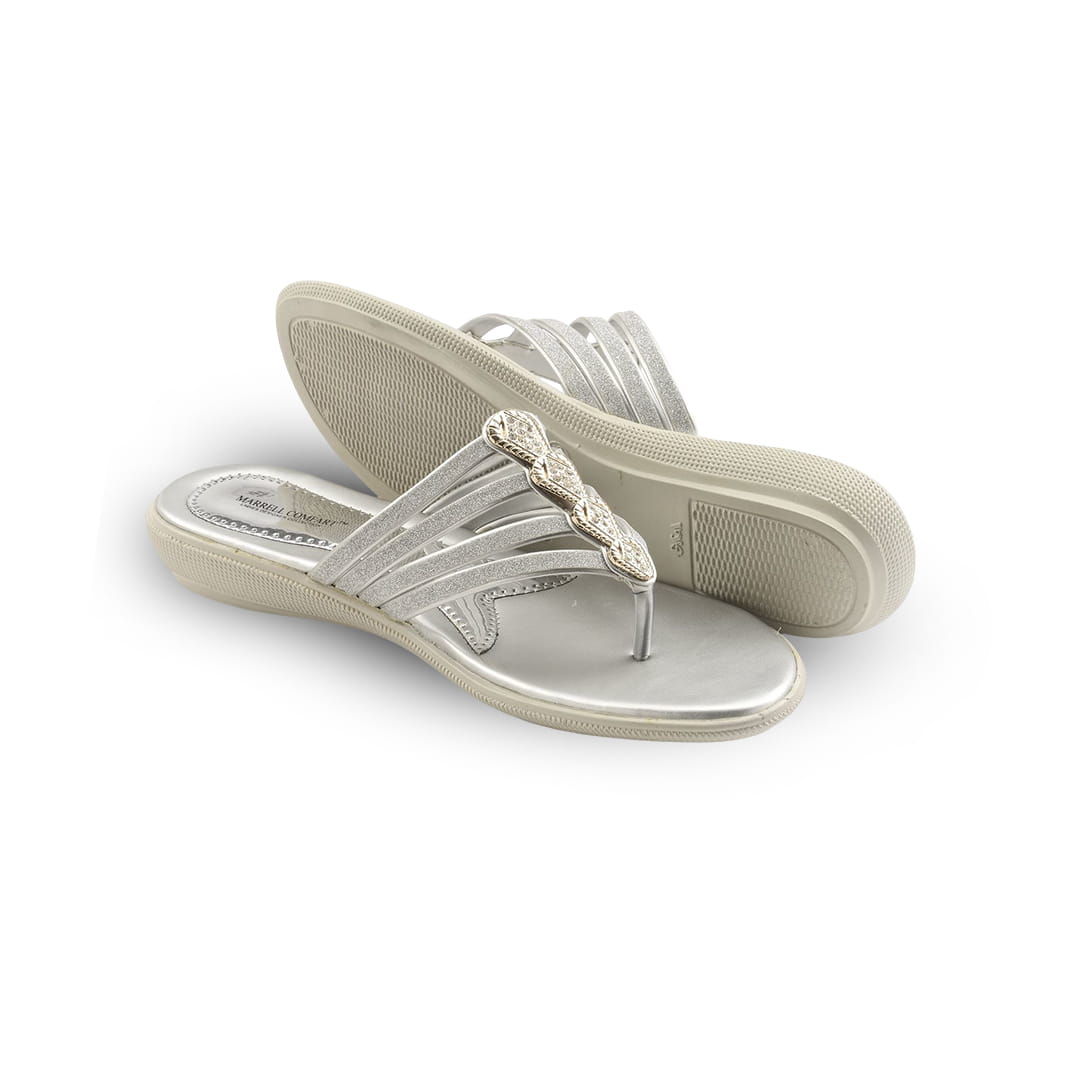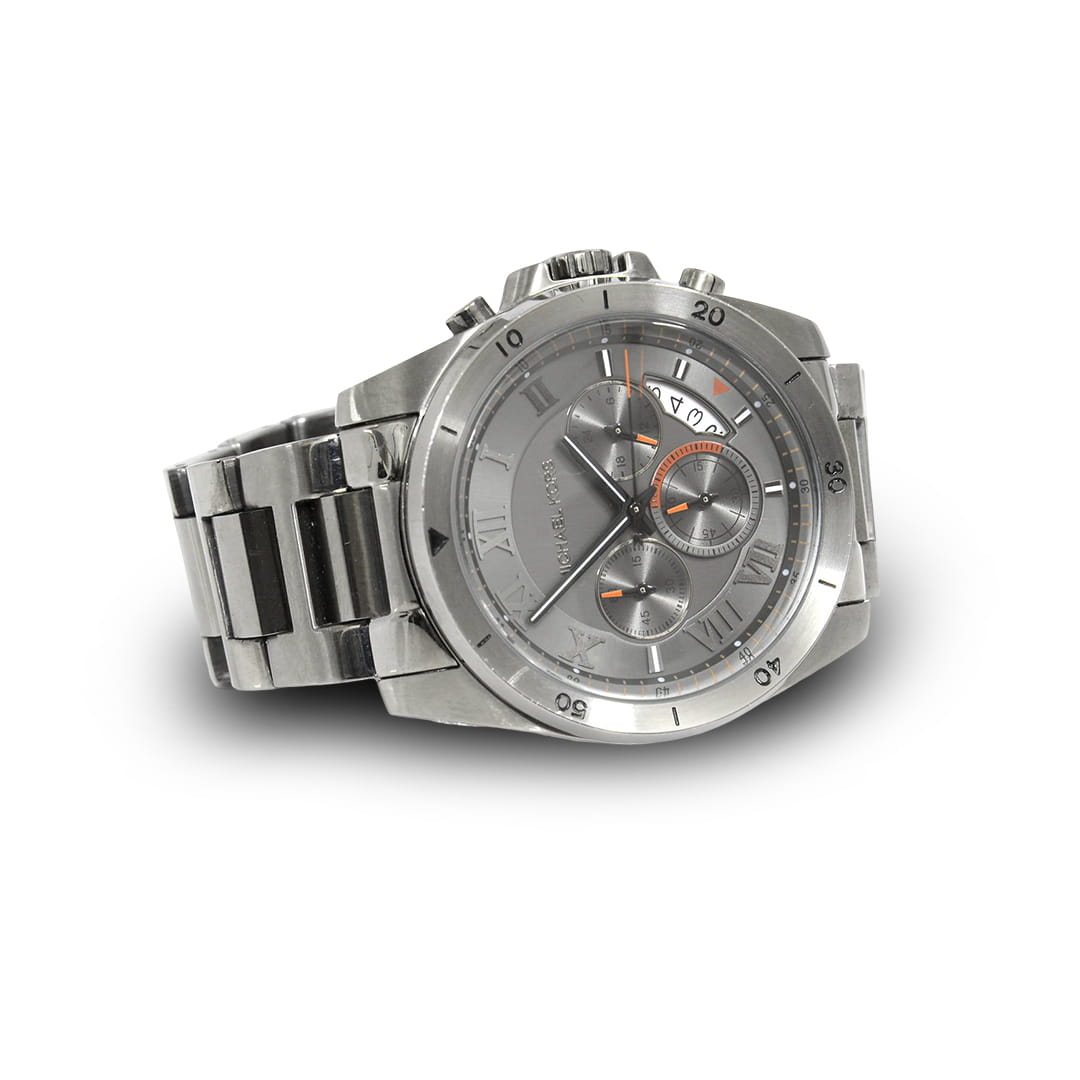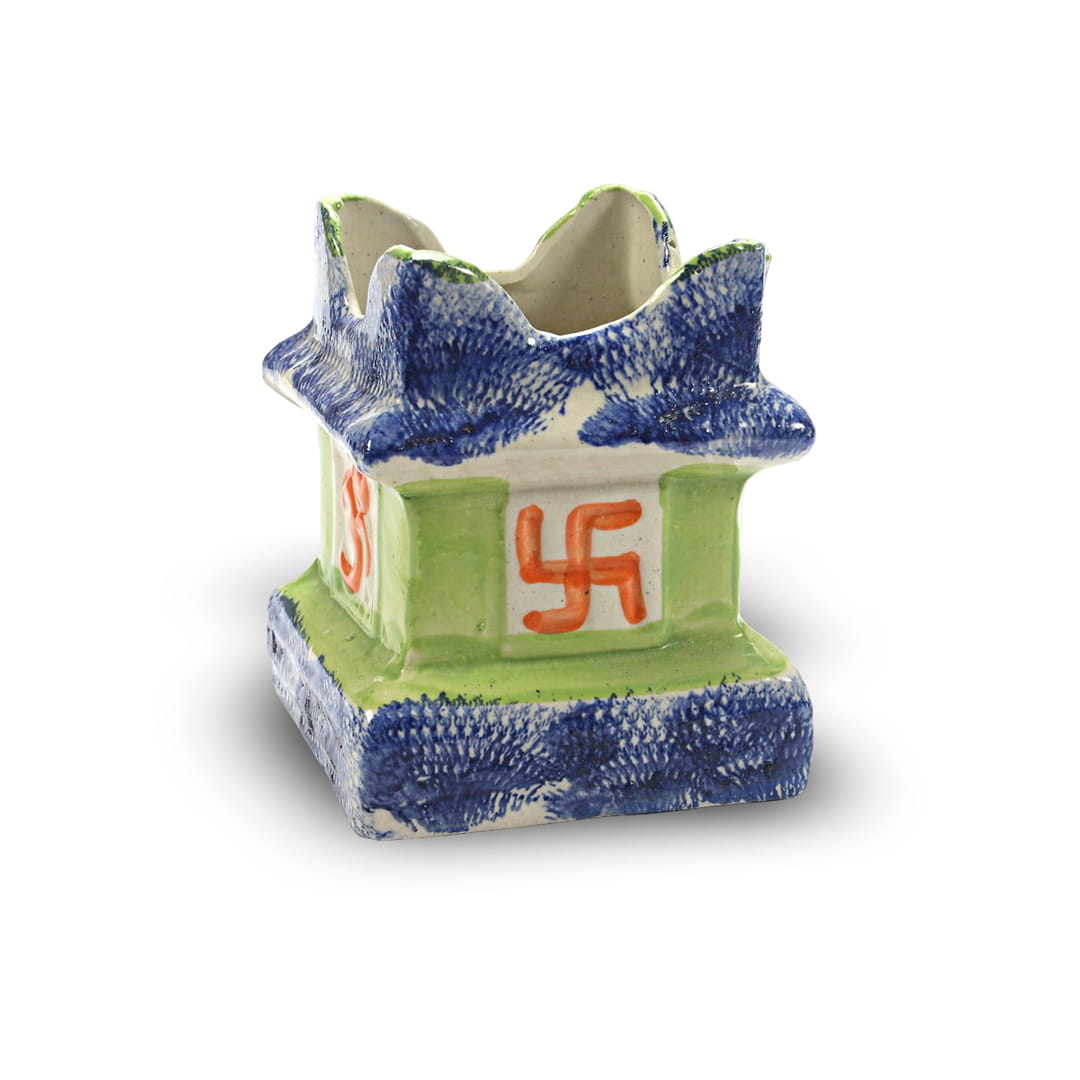


A 360° product spin can do a lot for a product page. Shoppers can turn the product, zoom in and see it the way they would in a shop. But a spin is also a stack of images, often 36, 72 or even 144 frames, and if it's added carelessly it can make the page slow, especially on a phone.
Brands usually ask us two things: will a 360° spin slow down my website, and will it help my SEO? The honest answer is that a well-prepared spin is light, fast and good for search, while a badly prepared one can hurt both. In this guide we share what we do and recommend, so you get the benefits without the slowdown.
How 360° product photography helps SEO
Let's be clear about one thing first. Google doesn't rank a page higher just because it has a 360° viewer on it. What a spin does is make the product page more useful, and that helps in a few practical ways:
- More complete product pages. When shoppers can see every side, the size and the finish, they find what they need on your page instead of going back to the search results or to a competitor.
- Image search visibility. Every spin gives you a set of clean, high-quality still frames. With good file names and alt text, the main frames can appear in Google Images and shopping results.
- More sharing and links. An interactive product view is more likely to be shared on WhatsApp and social media, or featured by a blog or marketplace, than a plain photo.
- Fewer doubts and returns. This isn't a ranking factor by itself, but customers who saw the product properly are more likely to buy, keep it and leave a good review, which helps your store as a whole.
All of this only works if the page loads quickly. Page experience, including how fast the main content appears on a phone, is something Google does look at. That's why speed comes first.
Why speed matters so much for a spin
A large share of online shoppers in India browse on mid-range phones and mobile data. If the spin takes several seconds to appear, most of them will simply scroll past it or leave the page. A slow spin also delays everything else on the page, including the price and the "Add to cart" button. A fast spin, on the other hand, feels like part of the page and actually gets used.
1. Choose the right number of frames
More frames give a smoother rotation, but every frame adds weight. For most products, 36 frames are a good balance between smoothness and speed. Detailed products such as jewellery, watches or intricate handicrafts can justify 72 frames, and 144 frames are best kept for hero products where a very fluid spin really matters. We explain this in detail, with real samples, in our guide on how many shots a 360° product spin needs.
2. Resize and compress every frame
- Don't upload camera-size files. Resize frames to the largest size your viewer actually displays. If you want deep zoom, use separate high-resolution zoom images rather than making every frame huge.
- Use modern formats. WebP gives much smaller files than JPEG at similar quality and is supported by all modern browsers. Keep JPEG as a fallback if your platform needs it.
- Compress before upload. Tools like TinyPNG, Squoosh or Photoshop's export settings can cut file size a lot without visible loss.
3. Load the spin only when it's needed
The first frame of the spin should load like a normal product image, so the page looks complete straight away. The remaining frames can be lazy-loaded, either when the viewer comes into view or when the shopper starts to rotate the product. Preload only the first few frames so the first drag feels instant. This one change makes the biggest difference on mobile.
4. Serve images from a CDN and use caching
A content delivery network such as Cloudflare or Amazon CloudFront serves the frames from a server close to the shopper. This matters even more if you sell outside India, for example to buyers in the UAE. Browser caching means returning visitors don't download the same frames again.
5. Keep the viewer itself light
The spin viewer is a script, and some plugins load a lot of extra code on every page. Choose a lightweight viewer, load it only on pages that actually have a spin, and keep hotspots simple, ideally built with CSS or SVG instead of extra images. If you're on Shopify or WooCommerce, our guide to adding 360° product views to Shopify, WooCommerce and Magento covers the options.
6. Get the image SEO basics right
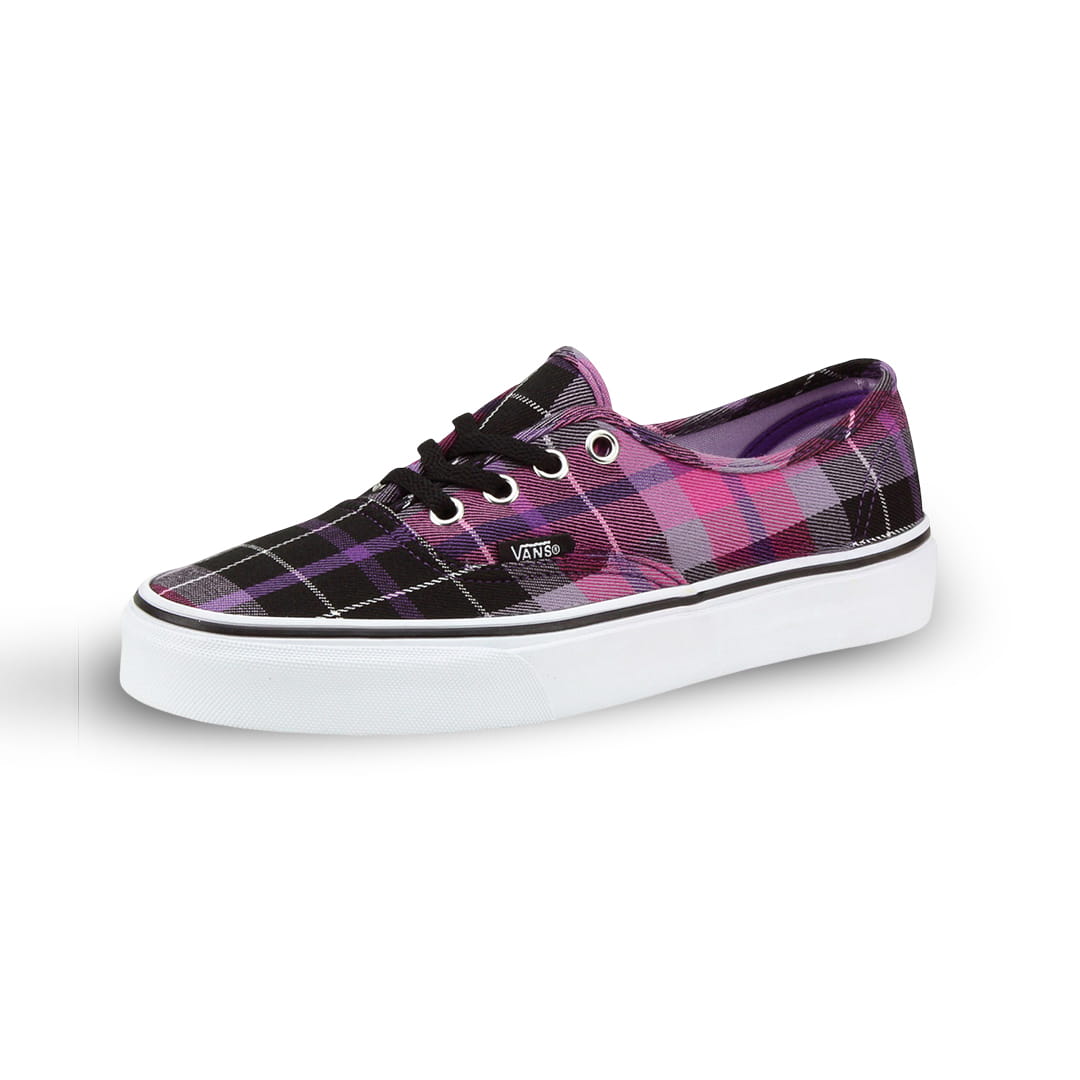
- Descriptive file names, such as red-canvas-shoes-360-01.jpg, instead of IMG_4587.jpg.
- Alt text on the first frame or poster image that describes the product in plain words.
- Product structured data on the page, with the image field pointing to your best still frames.
- Keep your text on the page. The spin should sit alongside a proper product title, description, size details and reviews, not replace them.
- Include images in your sitemap if your platform supports it, so Google can find the main frames easily.
7. Test on real phones
Run your product page through Google PageSpeed Insights and keep an eye on the Core Web Vitals report in Search Console. Then test it the simple way: open the page on an ordinary Android phone on mobile data and see how quickly the spin appears and how smoothly it turns. If it feels slow to you, it feels slow to your customers.
What we deliver
We shoot and edit 360° product spins from 18 to 144 frames and deliver them ready for the web, with consistent lighting and clean backgrounds, and we can help with integrating them on your website. Our 360° spin product photography starts at Rs 5,000 per product, a little higher for glass or reflective items and unusual sizes. You can see live examples on our 360° product spin samples page, or read more about the service on our 360° spin product photography page.
New to product spins? Start with our guide on what 360° product spin photography is, or see how we shoot a 360° spin step by step.
Frequently asked questions
Will a 360° spin slow down my product page?
Not if it's prepared properly. With the right number of frames, compressed WebP images and lazy loading, the page loads about as fast as a normal product page, because only the first frame loads at the start.
How many frames should I use if speed is my priority?
For most products, 36 frames. It's smooth enough for shoppers and keeps the total size small. Go higher only for products where fine detail really matters.
Does Google index 360° spin images?
Google can index the still frames like any other image if they are in the page or your sitemap. The interactive rotation itself isn't what ranks, so make sure the first frame is a proper image with good alt text.
Can you help put the spins on our website?
Yes. We deliver web-ready files and can help with integration on platforms like Shopify and WooCommerce.
Make your product pages faster and more useful
If you sell online and want product spins that look great and load fast, we'd be happy to look at your products and suggest the right setup. WhatsApp or call us on +91 99998 96100, or contact us here.