
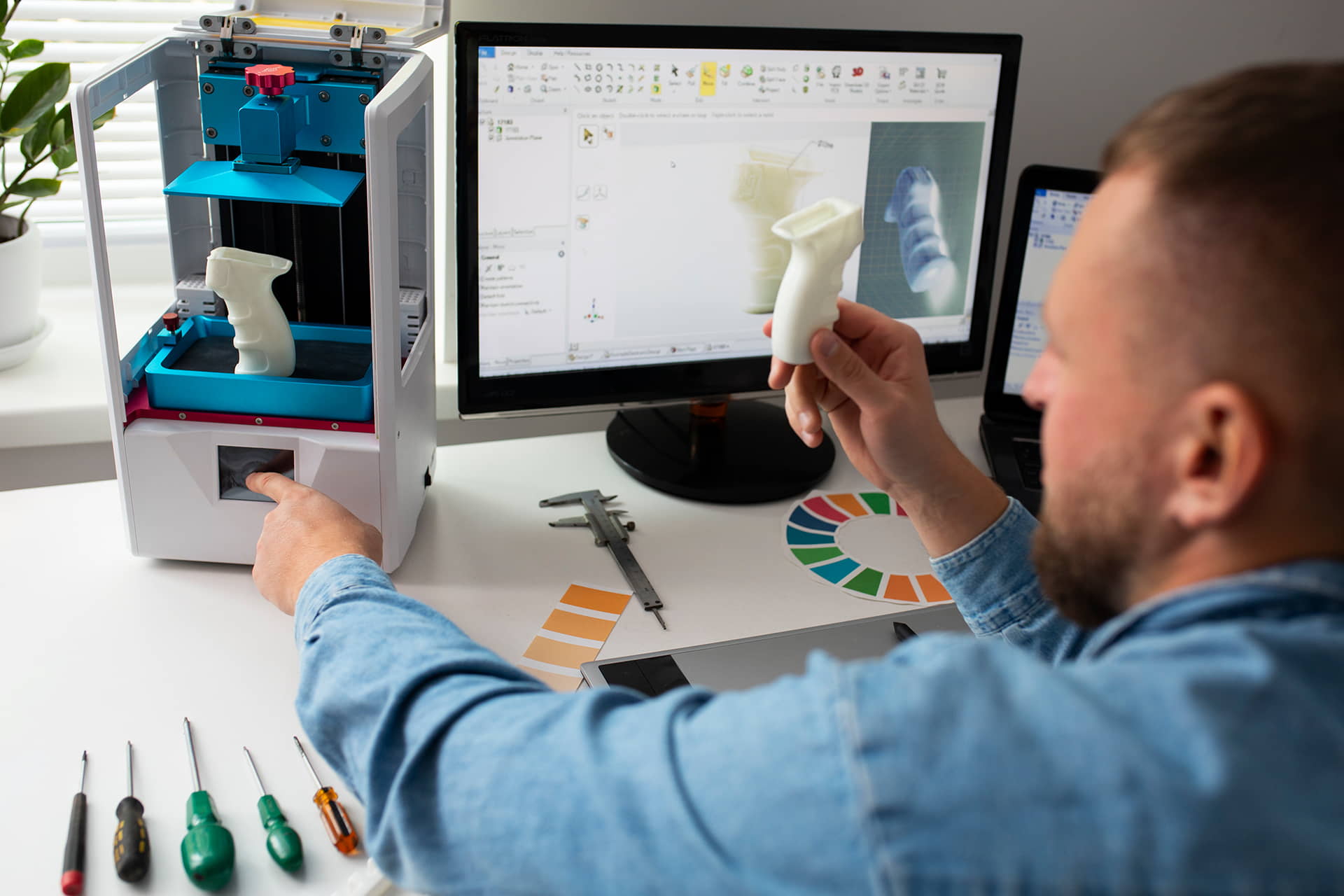
With online shopping and digital experiences becoming the new normal, businesses are embracing 3D product modeling with hotspot integration to showcase products in a more engaging and interactive way. But creating high-quality 3D models isn’t just about aesthetics-it’s about ensuring accuracy, performance, and usability across devices.In this blog, we’ll cover the best practices for designing professional-grade 3D product models that deliver exceptional customer experiences while remaining optimized for the web.
1. Start with Accurate Reference Data
High-quality 3D product modeling starts with precise reference data:- Use CAD files, blueprints, or physical measurements to maintain product accuracy.
- Capture high-resolution product photos from multiple angles for texture detailing.
- Accuracy ensures customers see a true-to-life representation of the product.
2. Focus on Optimized Polygon Count
Web-based 3D models must balance visual detail and performance.- Keep the polygon count as low as possible without losing detail.
- Use LOD (Level of Detail) optimization to deliver different resolutions depending on device capability.
- This ensures smooth load times and responsiveness on websites and mobile devices.
3. Use High-Quality Textures and Materials
Textures are what make a model look realistic and engaging.- Use PBR (Physically Based Rendering) materials for realistic lighting and shading.
- Ensure textures are compressed and optimized for faster loading.
- Add hotspots that highlight materials, finishes, and customization options.
4. Ensure Cross-Device Compatibility
Your 3D model should perform seamlessly on desktops, tablets, and smartphones.- Use WebGL and glTF file formats for lightweight and widely compatible models.
- Test across browsers like Chrome, Safari, and Edge.
- Provide fallback 2D images or videos for slower networks.
5. Integrate Hotspots for Interactivity
Hotspots add context and engagement to 3D models.- Highlight key features, dimensions, and specifications.
- Add clickable elements for product info, videos, or purchase links.
- Use intuitive placement so users don’t feel overwhelmed.
6. Prioritize Loading Speed
A heavy 3D model can discourage users.- Compress files without losing visual quality.
- Use lazy loading for hotspots and secondary features.
- Optimize servers with CDNs for faster global delivery.
7. Test User Experience (UX)
A smooth user experience is as important as visual fidelity.- Ensure easy rotation, zoom, and navigation controls.
- Test with real users to refine interactivity.
- Avoid cluttered interfaces-simplicity drives engagement.
8. Ensure SEO Integration
Search engines can’t “see” 3D models-so you must optimize them for SEO.- Add alt text, metadata, and structured data for search visibility.
- Create descriptive hotspot tags for Google indexing.
- Use 3D model previews (images/videos) in blog posts and product pages.
9. Regularly Update and Maintain Models
Products evolve, and so should their 3D models.- Update textures, specs, and hotspot information as products change.
- Ensure compatibility with the latest browsers and devices.
- Keep models aligned with your brand design updates.
10. Partner with 3D Modeling Experts
While DIY tools exist, professional expertise ensures polished results.- Skilled 3D modelers balance aesthetic detail with technical optimization.
- Agencies like 360Biznus specialize in web-ready 3D product modeling with hotspot integration.
- Professional execution ensures a higher return on investment.
Conclusion
High-quality 3D product models with hotspot integration can transform the way customers interact with your brand online. By following best practices-from accurate data capture and texture optimization to SEO integration-you can deliver immersive experiences that drive engagement and sales.At 360Biznus, we help brands create web-optimized 3D models that balance performance, detail, and interactivity.
Get in Touch
Whether you want to develop a new 360 Virtual Tour, 3D Product Display, 360 Product Spin Photography, Google 360 Street View or update an existing 360 Virtual Tour, we're eager to assist.
+91-9999896100 | info@360biznus.com
Send Us a Message
Portfolio
Browse All Portfolio